Introducing the Chatbot Builder
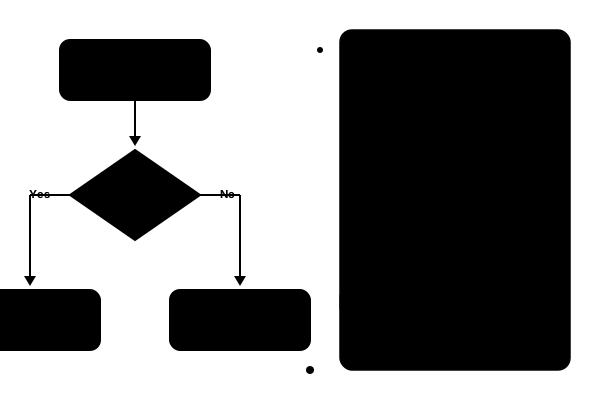
We're excited to introduce the Chatbot Builder — a visual flow designer that lets you create conversation workflows without writing a single line of code.
What is the Chatbot Builder?
The Chatbot Builder gives you a drag-and-drop canvas to design how your chatbot interacts with customers. Instead of configuring bots through code or complex settings, you visually connect nodes to build complete conversation flows.
Node Types
The builder supports five node types that cover every scenario:
- Message nodes — Send text, rich media, buttons, or quick replies to the customer
- Condition nodes — Branch the flow based on customer input, contact attributes, or conversation data
- Action nodes — Perform operations like assigning a team, adding labels, or updating contact info
- API nodes — Call external services to fetch data or trigger actions in your other tools
- Handoff nodes — Transfer the conversation to a human agent with full context preserved
Common Flows
Here are some workflows you can build in minutes:
Greeting and Qualification
Greet incoming customers, ask qualifying questions, and route them to the right team — all automatically. The bot collects key information before a human ever needs to step in.
After-Hours Support
Detect when your team is offline, collect the customer's question and contact details, and create a follow-up task for the next business day.
Order Status Lookup
Connect to your order management system via an API node, look up the customer's order, and return real-time status updates — no agent needed.
How It Works with Agent Bots
The Chatbot Builder integrates directly with our webhook-powered Agent Bots system. When a new conversation arrives, the bot takes the PENDING state, runs your flow, and only transitions to OPEN when the flow triggers a handoff to a human agent.
This means your team only sees conversations that genuinely need their attention, while the bot handles routine queries automatically.
Get Started
The Chatbot Builder is available now on Professional and Enterprise plans. Head to Settings → Chatbot → New Flow to start building your first conversation workflow.